For Beginner Traders

Start Trading With More Structure, Not Guesswork

Trader Frame helps beginner traders move from scattered signals and confusing platforms to a guided trading workflow — with approved copy trading, supported broker connections, automation settings, journals, dashboards, and community learning in one place.

Get Started for Free
The Problem

Why Beginner Traders Get Overwhelmed Too Quickly

Most new traders are forced to learn in the hardest possible way: scattered Telegram signals, complicated broker dashboards, confusing indicators, random YouTube strategies, and no clear way to know what is actually working.

Without structure, beginners often end up copying hype, trading emotionally, over-risking, and guessing their way through wins and losses.

Trader Frame was built to make the early trading journey clearer. Instead of learning through chaos, beginners can follow approved traders, connect supported brokers, automate simple workflows, and review every result through journals and dashboards.

Too Many Tools

Signals, brokers, charts, journals, and community conversations are usually spread across different platforms.

No Clear Trust Layer

Beginners often do not know which traders, strategies, or signals are worth following.

Manual Execution Mistakes

Entering trades manually can lead to delays, wrong settings, missed setups, and emotional decisions.

No Learning Loop

Without a journal or performance dashboard, beginners struggle to understand why trades won, lost, or repeated the same mistakes.
No wonder most beginners burn out before they even begin.
Why

Why Traders Choose AutoBot Signal

From first-time traders to seasoned professionals, AutoBot Signal provides the tools you need to automate execution, reduce errors, and trade with confidence. Each feature is designed to match your goals—whether you’re learning, scaling, or earning passively.

Easy Setup

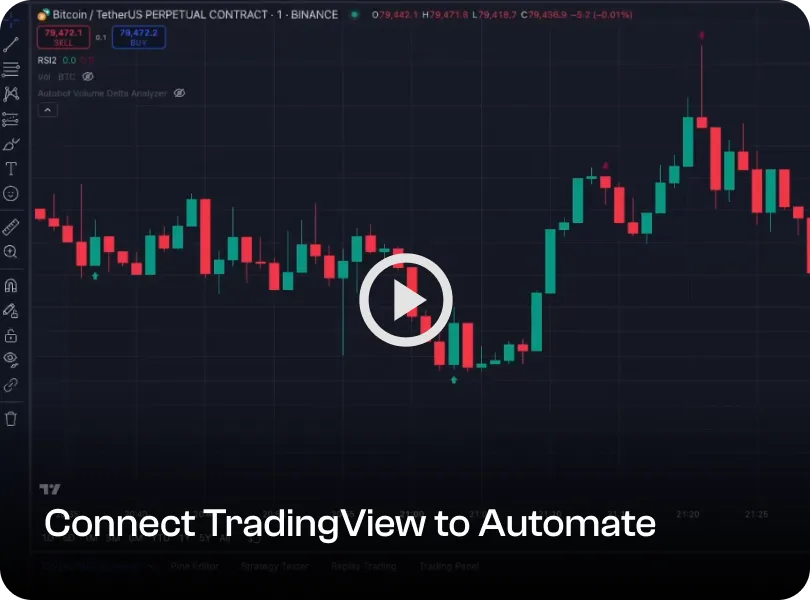
Connect your TradingView or MetaTrader alerts to your broker in just a few clicks—no coding required. Perfect for first-time traders.

Start Small, Grow Steady

Begin with as little as $150–$500, test your strategies, and scale as you gain confidence—without taking on heavy risk.

Learn & Copy Experts

Follow top traders with ATS copy trading, mirror their moves in real time, and build your skills as you go.
Why Trader Frame

A Guided Trading Automation Platform for Beginners

Trader Frame brings the beginner trading workflow into one connected platform. You can discover traders, request approval to copy, connect supported brokers, configure automation rules, and track every trade through a journal and dashboard.

The goal is not to promise easy profits. The goal is to help beginners trade with more structure, more visibility, and better learning habits from day one
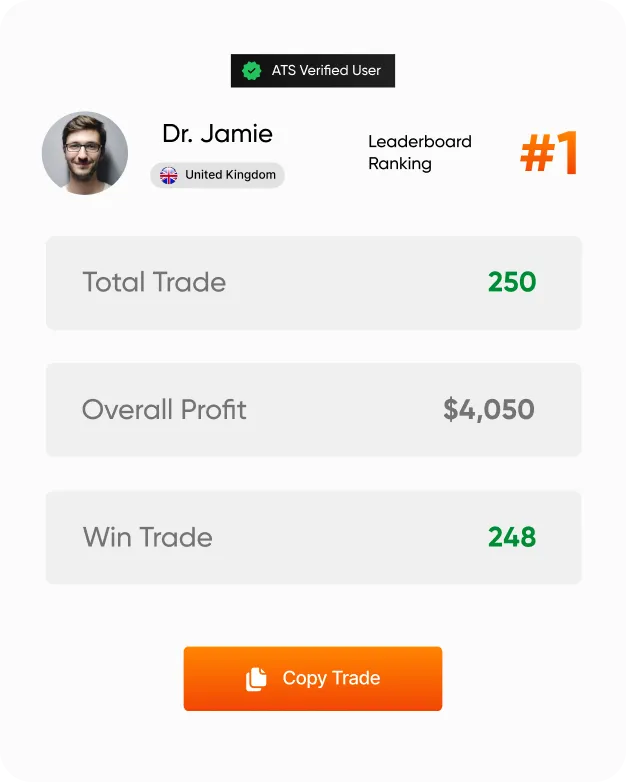
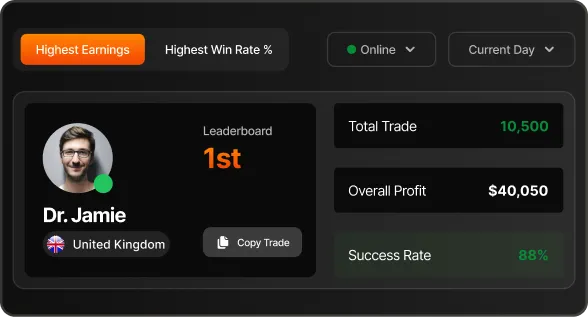
Copy Approved Traders -> Discover traders through profiles, leaderboards, and performance context before requesting copy-trading access.
Connect Supported Brokers → Use Trader Frame with supported forex brokers, crypto exchanges, stock brokers, and approved broker workflows.
Automate With Guardrails → Configure trade amount, filters, target PnL, execution preferences, and risk controls before activating automation.
Learn Through the Journal → Review trade history, wins, losses, timing, drawdown, and performance patterns instead of relying on memory.
Use a Simpler Dashboard → Manage signals, brokers, copy trading, journals, and performance data from one interface.
Join a Trading Community → Learn from other traders, follow discussions, ask questions, and build confidence inside the Trader Frame ecosystem.
Get Started Free
Beginner Advantage

Learn by Watching, Copying, Tracking, and Reviewing

Beginner traders do not need more noise. They need a clearer way to understand what is happening before, during, and after a trade.

Trader Frame helps beginners connect the full learning loop: discover traders, copy approved workflows, automate execution, track results, and review performance over time.

See More Context Before You Copy

Review trader profiles, rankings, trading history, and performance signals before making a decision.

Stay in Control of Your Risk

Copy trading does not mean giving up control. You can configure your own trade amount, filters, target settings, and risk preferences where supported.

Review Every Result

Every trade becomes part of your learning history through dashboards, journals, and performance metrics.
Who It’s For

Built for Pros. Safe for Beginners.

Whether you run complex strategies or just want to copy the best — our TradingView integration gives you execution without the mess.

Works with Any Strategy

Use any indicator or setup — ATS turns your TradingView alerts into live trades instantly.

Track Your Performance

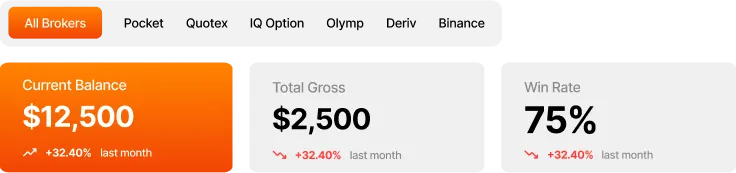
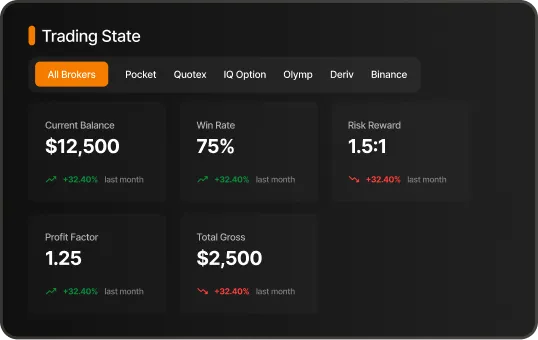
View complete trade stats, win rates, and profits in one clean dashboard.

Auto-Journal Your Trades

Every trade is logged with entry, exit, and result — no effort required.

Copy-Trade Ready

Share your strategy. Set your rules. Let others follow you in real time.

Learn the Platform

Beginner Trading Tutorials

Learn how to set up Trader Frame, connect a supported broker, request copy-trading access, activate automation, and review your trade history.
Need Help?

Beginner Trader FAQs

Find answers about starting with Trader Frame, copy trading, broker setup, automation settings, and beginner risk management.
Q1. Is Trader Frame suitable for beginner traders?

Yes. Trader Frame is designed to help beginners start with more structure through copy trading, broker connections, automation settings, journals, dashboards, and community learning.

Q2. Do I need coding experience to use Trader Frame?

No. Standard workflows are designed to be set up through guided connection flows. Some advanced setups may require TradingView, MetaTrader, or broker-specific configuration.

Q3. Can beginners use copy trading?

Yes. Beginners can request approval to copy supported traders, configure their own risk settings, and track copied trades inside their dashboard and journal.

Q4. Does Trader Frame guarantee profits?

No. Trader Frame does not guarantee profits, prevent losses, or provide financial advice. Trading and copy trading involve risk.

Q5. Can I control risk before activating automation?

Yes. Users can configure supported settings such as trade amount, filters, execution preferences, target PnL, and other risk controls before activation.

Q6. Can I learn from my trading history?

Yes. Trader Frame includes journal and dashboard features designed to help users review trade history, performance metrics, and patterns over time.

Q7. Which brokers can beginners use?

Trader Frame supports selected forex brokers, crypto exchanges, stock brokers, and approved broker workflows. Availability may vary by region, account type, and platform compatibility.

Q8. Should beginners test before trading live?

Yes. Users should test their setup, understand the risks, and review broker terms before activating live automation.

Which binary options brokers does it work with?

Our platforms support 5 of the most reputable Binary Options brokers:
- Quotex
- Deriv
- Pocket Option
- IQ Option
- Olymptrade

What is the Robot Win Rate Accuracy?

Since there are infinite ways to trade automatically with Autobot Signal, the robot win rate/effectiveness is variable for each user. Your results will depend on the technical indicators you set up on TradingView or MetaTrader or the signals providers you subscribe to, your general configurations, risk-management parameters, and overall strategy.

How much profits will I make?

As well as the robot win rate/effectiveness, the generated income will be totally variable in each case and up to each user. Our platform allows infinite options regarding the technical indicators used, CopyTrading providers, general configurations, risk-management parameters, and overall strategy.

Are there risks account being blocked?

No. There are absolutely no risks of your account being blocked or banned by using the Autobot Signal platform. Development teams and legal departments of all our supported brokers have examined our platform and officially approved it.

What is the best Signal Key to use?

There are varieties of TradingView's strategies available on their platform, you will need to apply and test them and figure it out in your demo account by yourself, once you are satisfied with the results then can try on Real Account. We can't really give a recommendation on this.

Can I connect any TradingView or MetaTrader indicator?

You can connect any indicator that offer alert signals either from TradingView or MetaTrader platform. Just make sure that each indicators offer alert options for Buy and Sell signals.

What are the accepted payment method?

We accept credit/debit cards, Bitcoin, other major cryptocurrencies, Binance and Volet.

After purchasing, license is not updated?

If you don't see your Autobot license updated, do not worry sometimes the license is not automatically updated so our staff has to manually update it for you if you bought a license after working hours here in Europe your license will updated the next day. Or you can instantly inbox us, and our available staff will check for you.
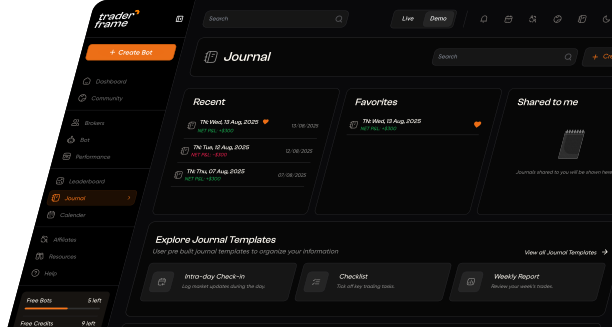
Turn Data into Discipline

Stop guessing what went wrong. Use Trader Frame’s automated trading journal to review trade history, uncover patterns, track performance, and improve your trading workflow with clearer data.