

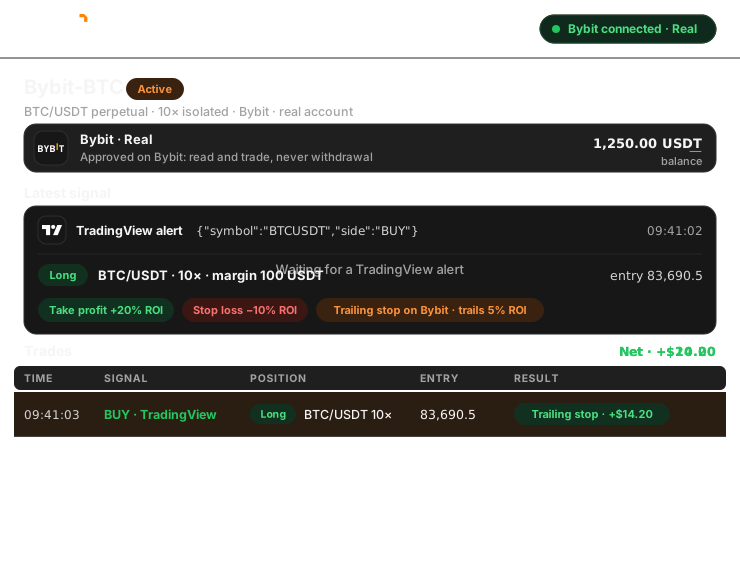
Connect your real Bybit account in one click, or practise on Bybit Demo Trading first. Then build a bot that trades USDT perpetuals from your signals, with take profit, stop loss and Bybit’s own trailing stop. Six steps, no code.
Before you start
Bybit connects over the internet, straight from Trader Frame. There is no app on your computer, and Trader Frame never sees your Bybit password.
Your real account connects through Bybit’s own approval. For practice, use Bybit Demo Trading.
In the account you connect. Demo Trading comes with virtual funds.
TradingView alerts, Telegram, Discord, Copy Trader, or Pip, the AI Trade Agent.
Trader Frame never asks for withdrawal permission, on demo or real.


Your bot decides the size, the leverage and the exits. Bybit holds the take profit, stop loss and trailing stop with the position.
Step by step
Practise on demo first if you like: steps 4 to 6 are the same for demo and real.
The sheet asks which account to connect: Demo, for practice with virtual funds, or Real.
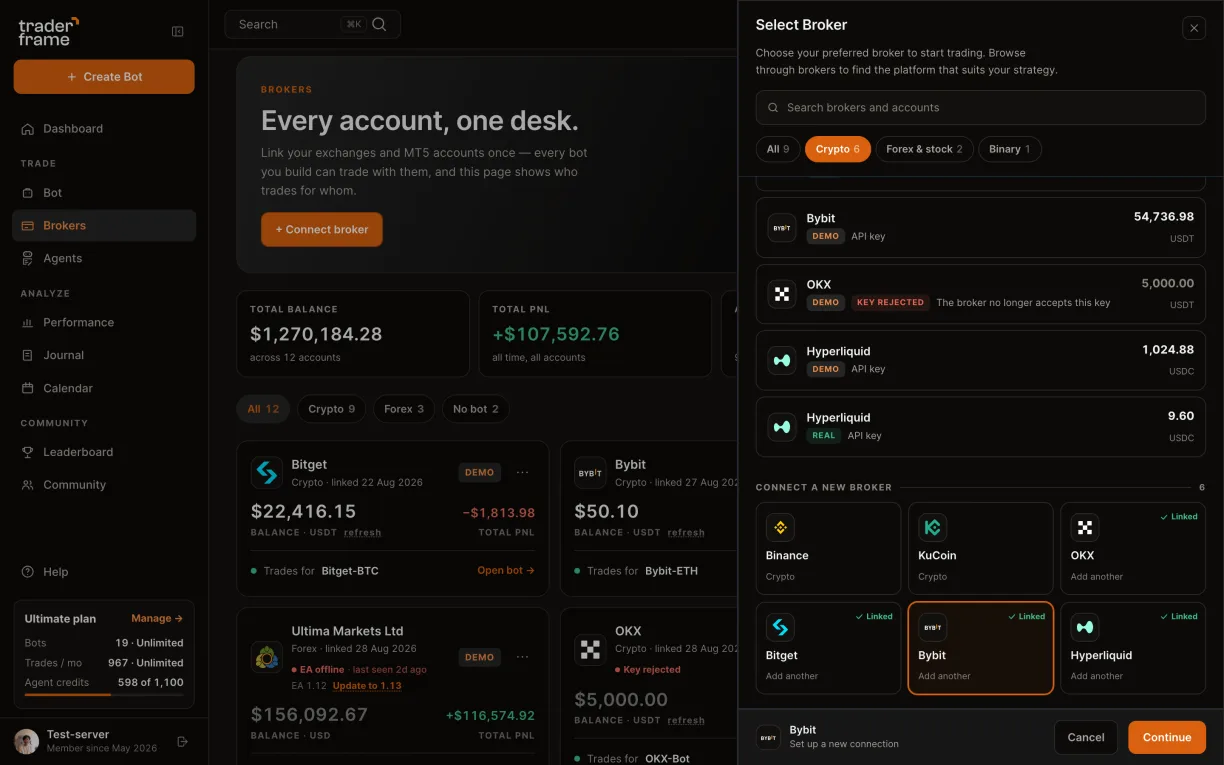
Demo Trading keys are separate from your real account. Bybit testnet keys are a different site and will not connect.
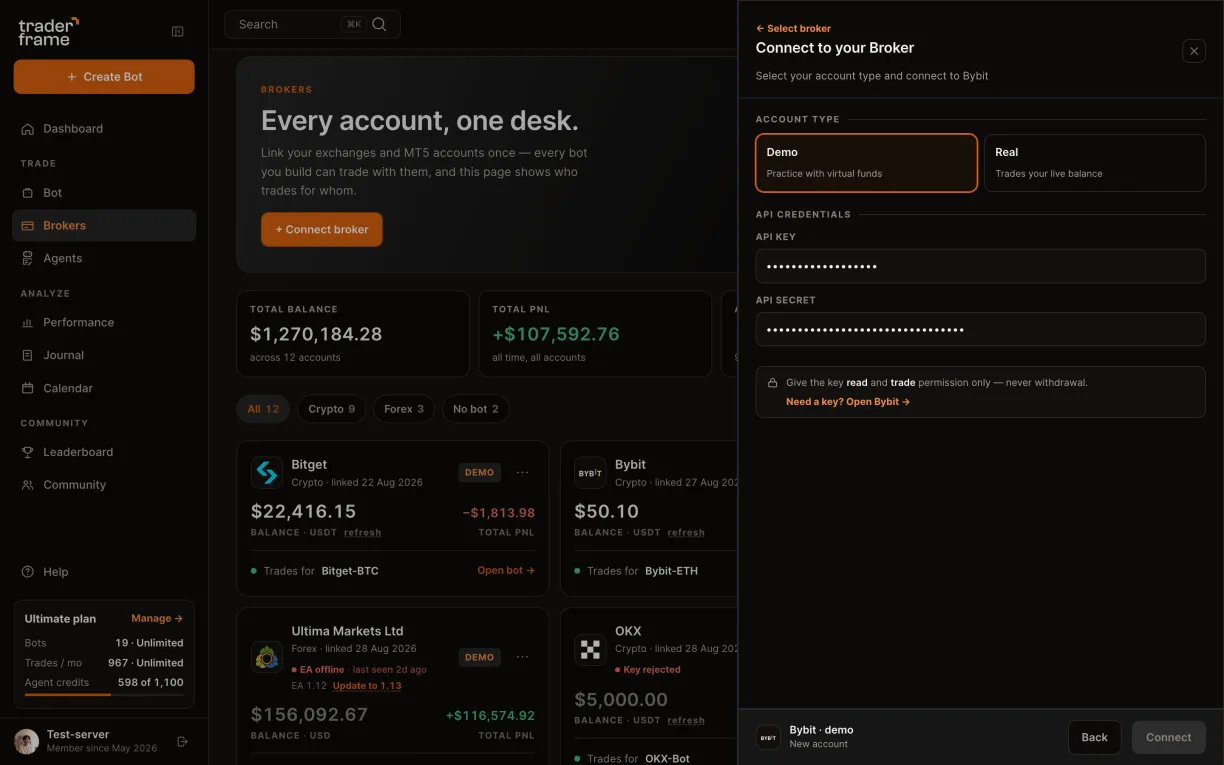
There is no key to paste for a real account, and Trader Frame never sees your password. A demo and a real account can be connected side by side.
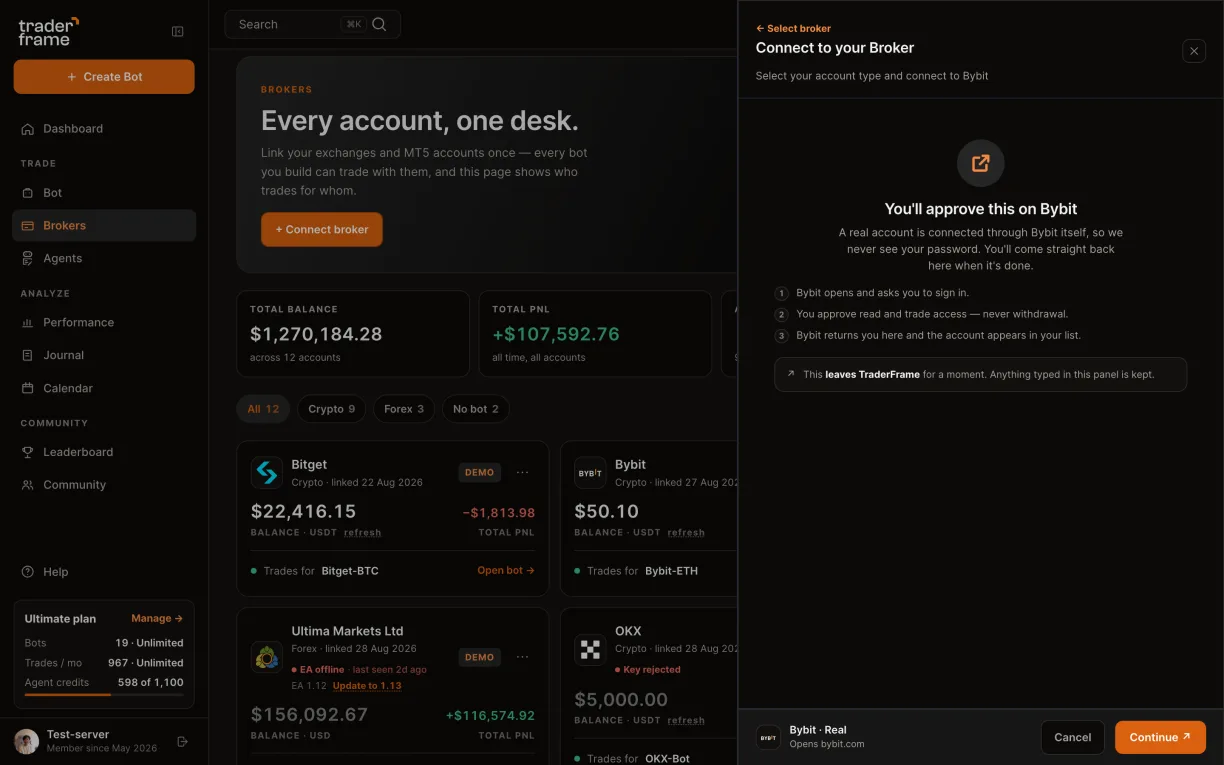
The panel shows what each trade commits: margin, notional at your leverage and the share of your balance.
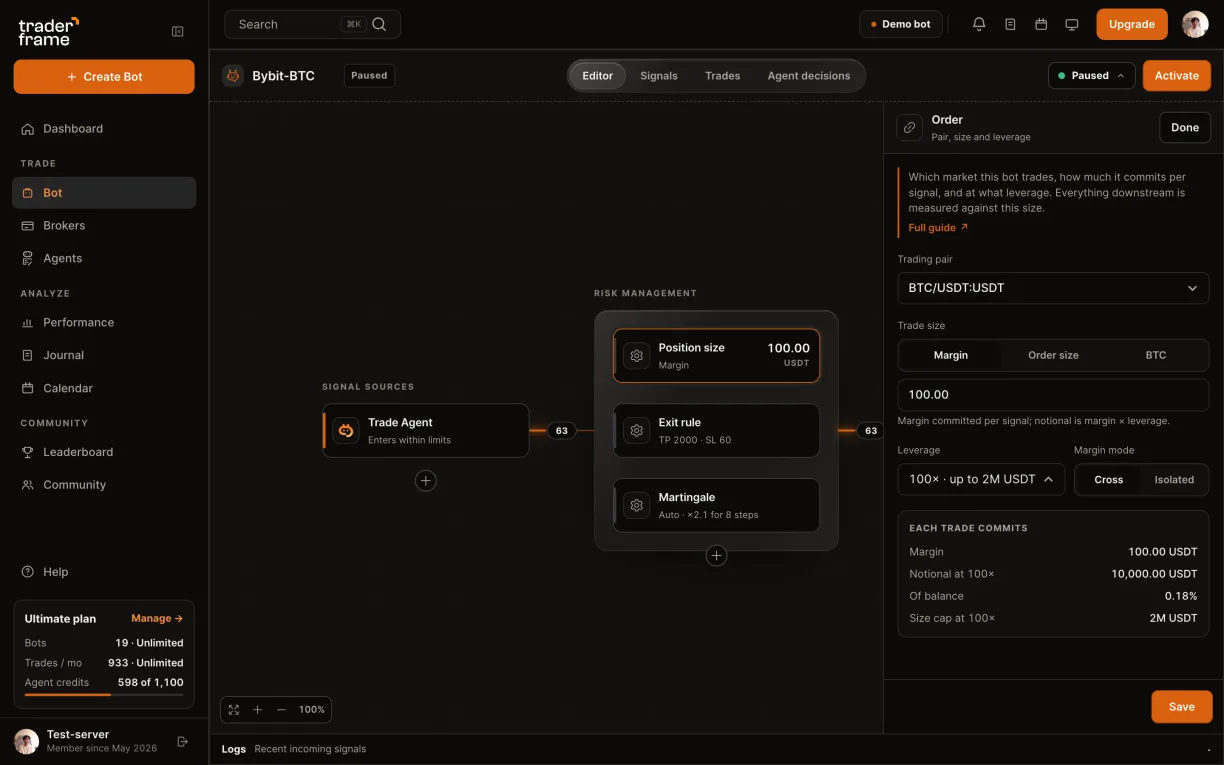
ROI % is measured on the margin, so leverage sets how far the price moves for each percent.
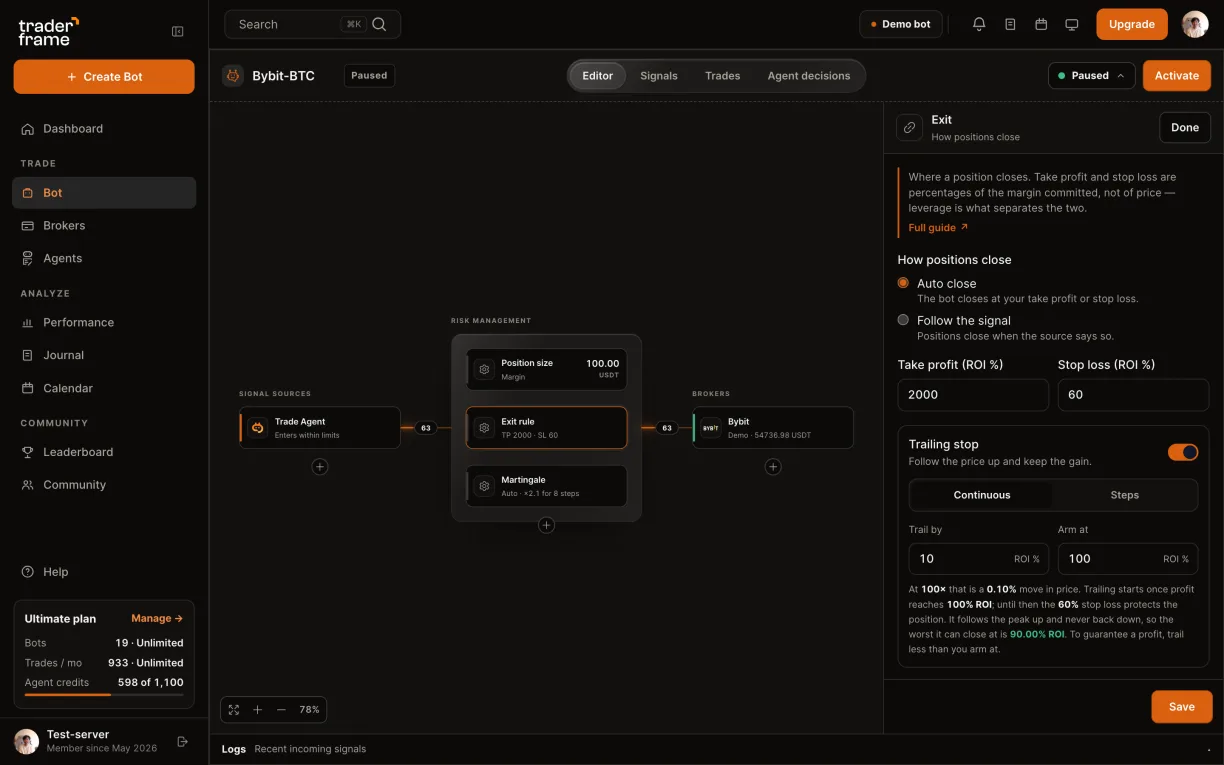
Open the Trading View source for the webhook URL and the Buy and Sell alert messages, and paste them into your TradingView alert.
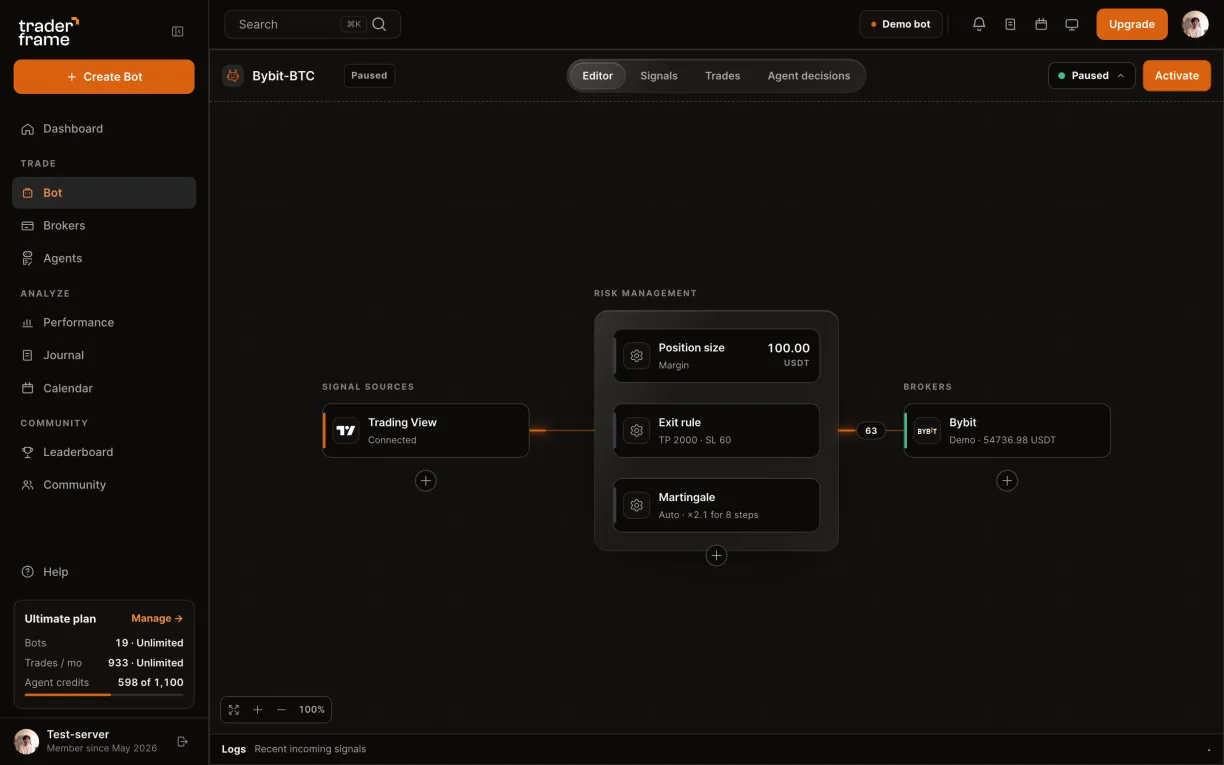
The message only says buy or sell. The bot decides the size, the leverage and the exits.

The alert names the pair the way your chart does, for example BTCUSDT or BYBIT:BTCUSDT. Size, leverage and exits always come from the bot.
AI trading agent for Bybit
Pip is Trader Frame’s Trade Agent. Add it to a Bybit bot instead of an alert: Pip reads the BTC/USDT perpetual market, decides when to go long or short, and explains every decision. Your bot still sets the size, the leverage and the exits.
Yes. Add Pip, the Trade Agent, to a Bybit bot as its signal source. Pip decides when to buy or sell; the bot places the order on Bybit with your size, leverage and exits.
The pair’s candles on several timeframes, plus the market around them on Bybit: spread, volume, funding on the perpetual and order-book depth.
Yes. Take profit, stop loss and the trailing stop come from the bot’s Exit rule, and Bybit holds them with the position.
Each look Pip takes uses agent credits from your plan. The Free plan has no agent.
Demo or real
A demo account connects with a key you paste; a real account connects through Bybit’s own approval. Everything you build on top is the same, so a bot proven on demo moves to real by changing its broker.
Keeping it running
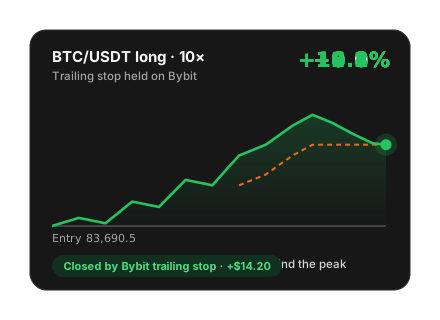
Take profit, stop loss and a continuous trailing stop are placed on Bybit with the position, so they hold on their own. Closing by hand in Trader Frame cancels the ones left over.
Set per bot in Position size. Isolated limits a trade to its own margin; Cross shares your wallet, so the liquidation price depends on your balance.
The position preview estimates entry and exit fees. Funding accrues while a position stays open and changes by market and hour, so it is not priced in advance.
A Demo Trading key without an IP restriction can expire on Bybit. If the account card reads Key rejected, create a new demo key and connect again.
Troubleshooting
Every refusal and skip is written to the bot’s Signals tab with its reason.
FAQ
No. A real account is approved on Bybit itself, and a demo account connects with an API key you create. Your password never reaches Trader Frame.
No. The approval and the demo key carry read and trade permission only, never withdrawal.
Bybit USDT perpetual futures, such as BTC/USDT, ETH/USDT and SOL/USDT, with the leverage and margin mode you set.
Yes, in Continuous mode: Bybit holds it with the position and moves it with the price. Steps mode moves your stop in stages from Trader Frame.
No. Use Bybit Demo Trading for practice. Testnet keys belong to a different site and will not connect.
Yes. Connect one demo and one real Bybit account, and point each bot at the one you want.
When the bot has earned it, connect your real Bybit account and point the same bot at it. Nothing else changes.





.svg)


.webp)